Jabra Enhance Select 50R vs Sony CRE-C20
Side-by-side HearAdvisor lab results with SoundGrades, expert pick badges, and the same visualizations we use in product reviews.
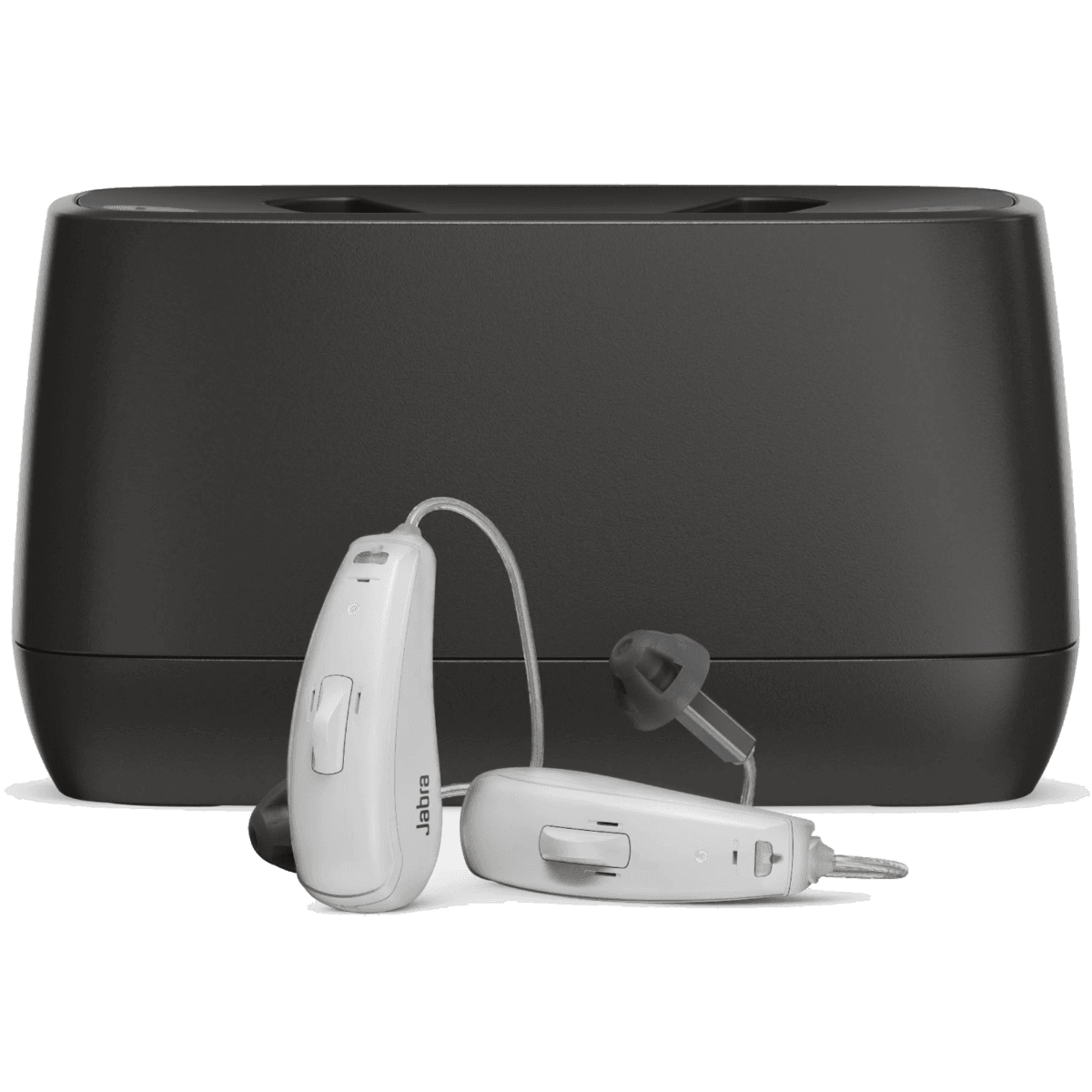
Jabra Enhance Select 50R
The Jabra Enhance Select 50R is a premium-priced OTC hearing aid at $1,195, earning a B grade with a SoundScore of 3.7/5 in our lab testing. This behind-the-ear device ranks #29 of 65 OTC hearing aids tested, placing it in the top 43% of its category. In our testing, the Select 50R demonstrates notable strengths in speech clarity during quiet environments, scoring 3.5/5—a solid result that sits 0.75 points above the category average. Feedback handling is excellent at 5.0/5, meaning users can expect stable performance without whistling during typical wear. Music streaming also performs above average at 2.8/5, though this remains mixed in absolute terms. The device shows limitations in challenging listening situations. Speech in noise scores just 1.0/5, falling 0.48 points below the category average—a meaningful weakness for those who frequently encounter noisy environments. Own-voice comfort is mixed at 2.5/5, essentially matching the category average. At this price point, shoppers should note that several competitors deliver stronger overall performance. The Jabra Enhance Select 500 scores 4.16/5, while the Lucid Tala and Audicus Omni 2 both exceed 4.5/5. For those prioritizing value, devices like the Sony CRE-C20 offer similar sound performance at lower prices. The Select 50R is best suited for users who primarily need help hearing in quieter settings and value Jabra's ecosystem and reliable feedback control.
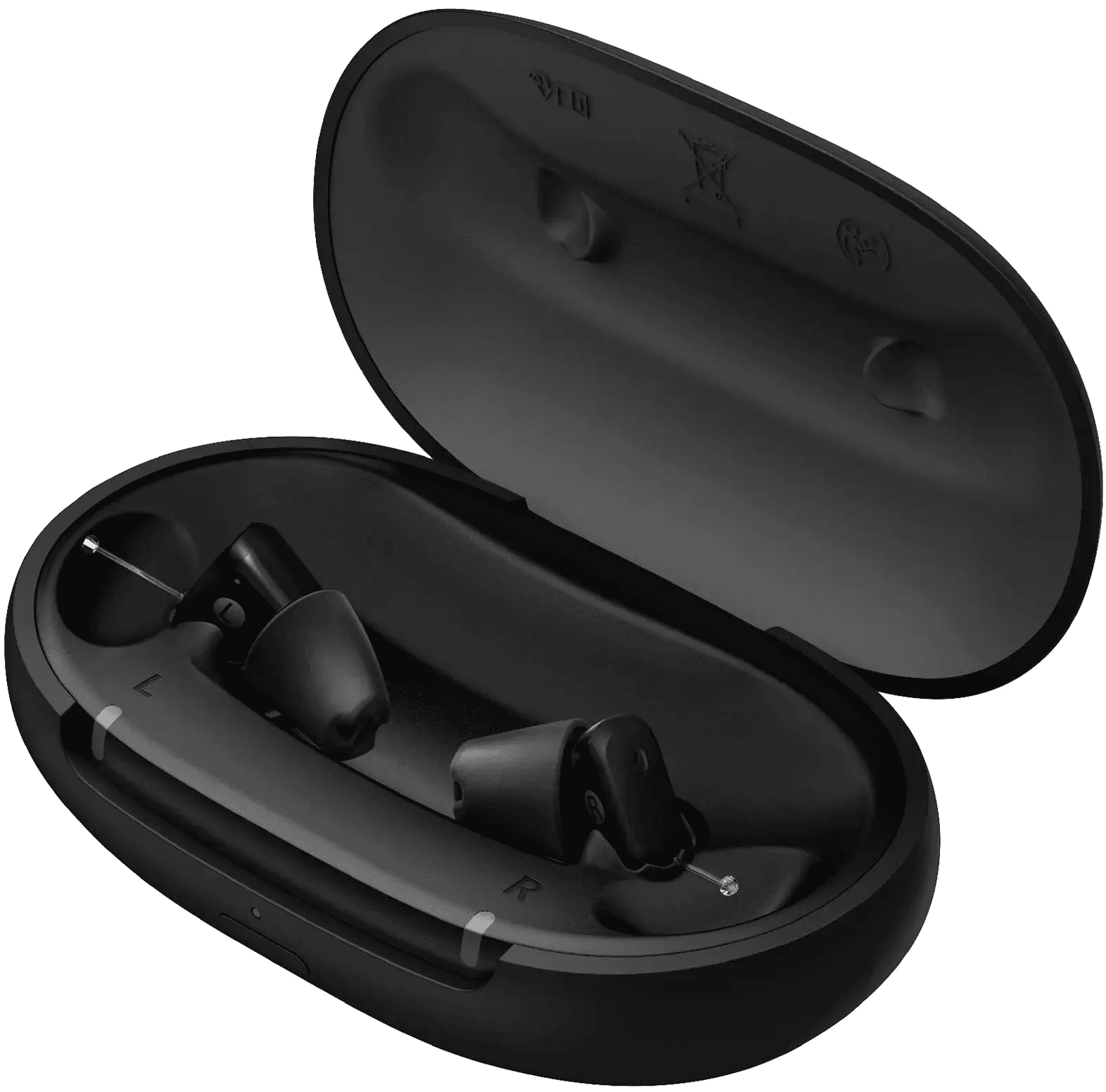
Sony CRE-C20
The Sony CRE-C20 is a mid-priced OTC hearing aid with an invisible-in-ear design, available for $999. In our lab testing, it earned a B grade with a SoundScore of 3.5/5, ranking #37 of 65 OTC hearing aids tested. This device shows a notable split in performance. Speech clarity is a clear strength—speech in quiet scores 4.1/5, which is 1.33 points above the category average, and speech in noise scores 2.7/5, sitting 1.24 points above average despite being only mixed in absolute terms. These results suggest the CRE-C20 prioritizes conversational intelligibility in its tuning approach. However, the device has significant limitations. Music streaming scored 0.0/5, falling 1.92 points below the category average—a notable weakness for users who want to stream audio. Feedback handling is solid at 3.9/5, though it sits 0.64 points below the category average of 4.54/5. Own voice comfort is mixed at 2.9/5, slightly above the category average. The CRE-C20 responds well to adjustment, with the normalized score improving from 3.3/5 at initial fit to 4.2/5 when tuned—a 0.9-point gain. Buyers focused primarily on speech understanding in conversations may find value here, but those wanting music streaming or seeking the strongest overall OTC performance should note that several competitors in this price range, including the Sony CRE-E10 at 4.66/5, scored higher in our testing.
We independently review each item we recommend and appreciate your trust and support. When you buy through our links, we may earn a commission. Learn More.
Performance metrics
Scale 1-5 (Tuned)
Lab metric by fit
Scale 1-5 (Tuned)
Speech level
Adjust input dB (Tuned)
Amplification (REIG)
Insertion gain at 65 dB (Tuned)
Fitting configuration for tuned fit