iHear MatriX vs Nuance Audio Glasses
Side-by-side HearAdvisor lab results with SoundGrades, expert pick badges, and the same visualizations we use in product reviews.
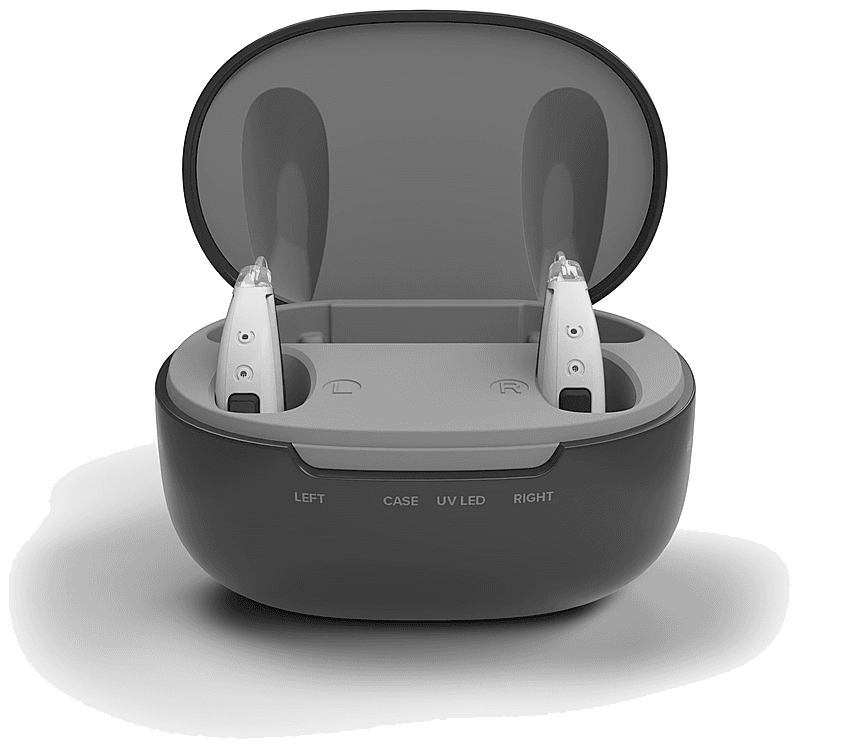
iHear MatriX
The iHear MatriX is a budget-priced OTC hearing aid that earns a B grade with a SoundScore of 3.8/5, placing it in the top 40% of the OTC hearing aid category in our lab testing. At $499, this behind-the-ear device delivers solid speech performance that exceeds category averages, though with a notable tradeoff in streaming capabilities. Speech clarity is a clear strength for the MatriX. In quiet environments, it scores 4.0/5—a solid result that sits 1.17 points above the OTC category average. Speech in noise performance is more modest at 2.4/5, which is mixed in absolute terms but still 0.96 points above the typical OTC device. Feedback handling is excellent at 5.0/5, meaning users should experience minimal whistling during daily wear. The most significant limitation is music streaming, which scores 0.0/5—well below the category average of 1.92/5. While the MatriX supports both iPhone and Android streaming, audio fidelity for music is poor in our testing. Own-voice comfort is mixed at 2.7/5, roughly in line with category norms. The MatriX shows meaningful improvement with tuning, jumping from an Initial Score of 3.7/5 to a Tuned Score of 4.2/5. This suggests users who invest time in adjustment can unlock better performance. For budget-conscious buyers prioritizing speech understanding over music quality, the MatriX offers competitive value in its price range, though alternatives like the Elehear Beyond score higher overall at similar pricing.
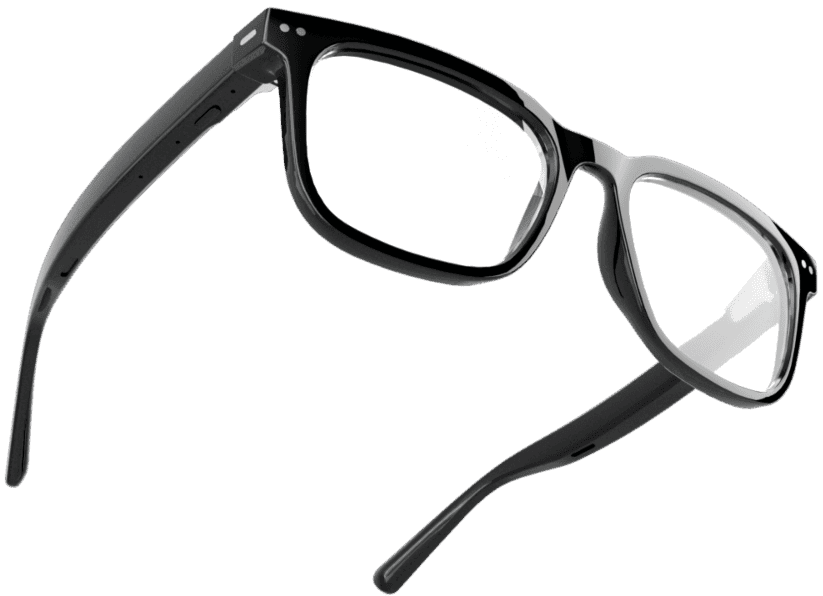
Nuance Audio Glasses
The Nuance Audio Glasses are a premium OTC hearing aid priced at $1,200, featuring an innovative hearing glasses form factor that integrates amplification technology directly into eyewear. In HearAdvisor's lab testing, they earned a B grade with a SoundScore of 3.9/5, ranking #20 among 65 OTC hearing aids tested. This unique design delivers standout performance in own-voice comfort, scoring an excellent 4.7/5—well above the category average by 2.19 points. Speech clarity in quiet environments is also a strength at 3.8/5, exceeding the category average by 1.05 points. Speech understanding in noisy situations scores 2.3/5, which is above the category average but only mixed in absolute terms. The glasses form factor comes with notable trade-offs. Music streaming scored 0.0/5, falling 1.92 points below the category average—a significant limitation for users who want to stream audio. Feedback handling at 2.0/5 is 2.54 points below the category average, indicating potential stability challenges in certain situations. The Nuance Audio Glasses are best suited for consumers who prioritize discretion and want hearing amplification without a traditional in-ear device. The excellent own-voice comfort makes them appealing for those sensitive to the "plugged up" feeling of conventional hearing aids. However, buyers seeking music streaming functionality or who are in the same price range should note that alternatives like the Lucid Tala (4.61/5) or Audicus Omni 2 (4.59/5) offer stronger overall sound performance.
Performance metrics
Scale 1-5 (Tuned)
Lab metric by fit
Scale 1-5 (Tuned)
Speech level
Adjust input dB (Tuned)
Amplification (REIG)
Insertion gain at 65 dB (Tuned)
Fitting configuration for tuned fit